OscuroViroid Install ENES
Menu

Oscuro · Viroid

Stock hardware. Extraordinary sound.

Oscuro Viroid turns a 37-key controller into a virtual-analog synthesizer built for serious sound design: wavetables, a deep modulation matrix and a rack of twenty effects.

Free firmware for the M-Vave SMK-37 Elite and compatible models. Tested on the SMK-37 Pro, Donner Starrykey-37PLAY and EROK MKE-P37.

Sound

A real synth engine that speaks Virus.

The voice

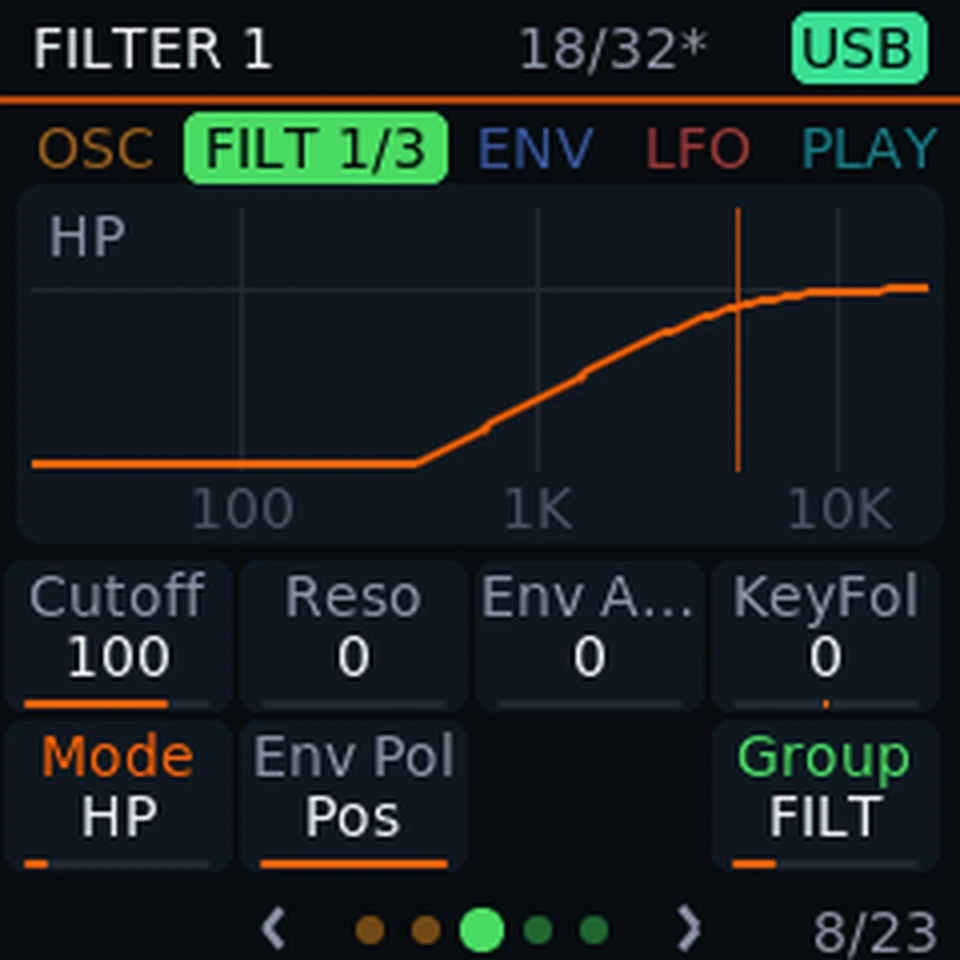
Three oscillators. Two filters. Four envelopes.

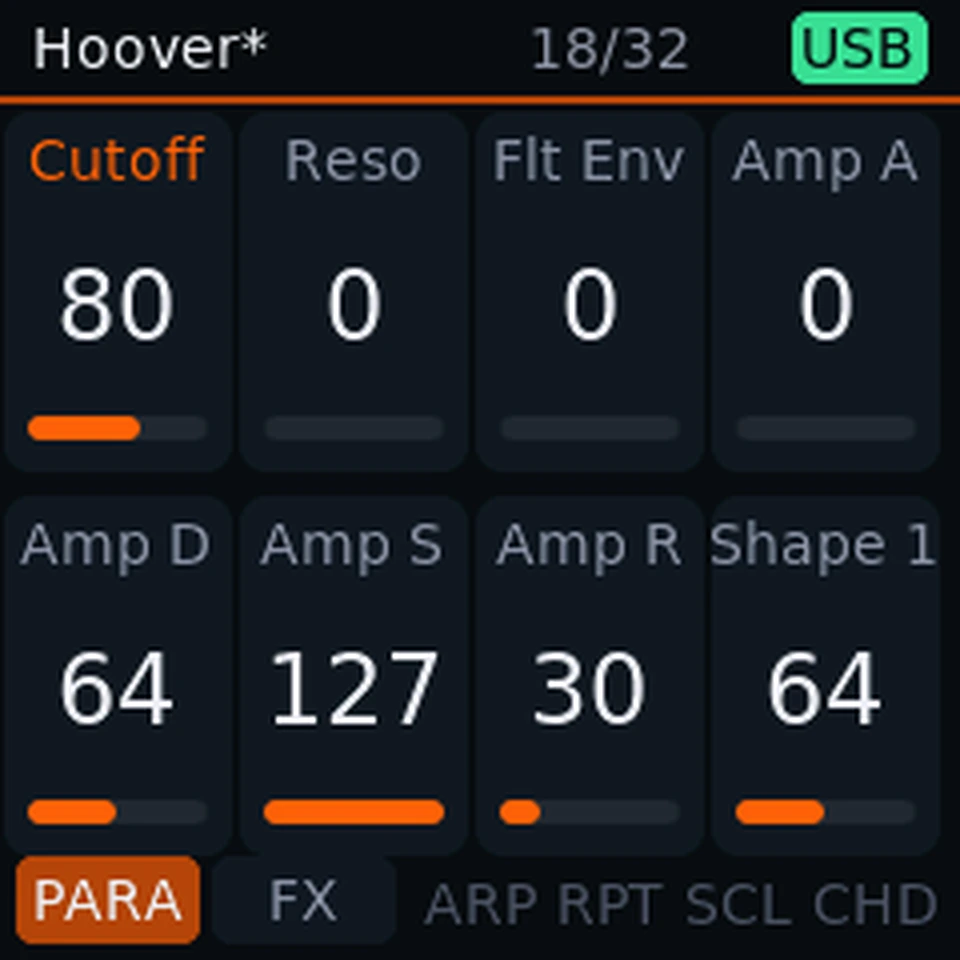
Oscillators with sync and FM, a sub and noise, ring modulation, two filters in four routings, saturation, four envelopes and three LFOs. Unison goes up to six voices. Eight knobs and four faders stay under your hands, with an editor page for everything else.

The waves

Wavetables, grains and formants.

Wavetable, Wave PWM, Grain and Formant oscillator modes, with 99 tables to sweep through. HyperSaw stacks up to nine detuned saws on an oscillator when you want a wall of sound.

The patches

Bring your Virus patches.

Load whole Virus banks of A, B, C and TI patches, arpeggiator settings included. They live in four banks of 128, recalled from the keyboard or by Bank Select and Program Change over USB MIDI, and any bank can be saved back out to a file to share or keep safe.
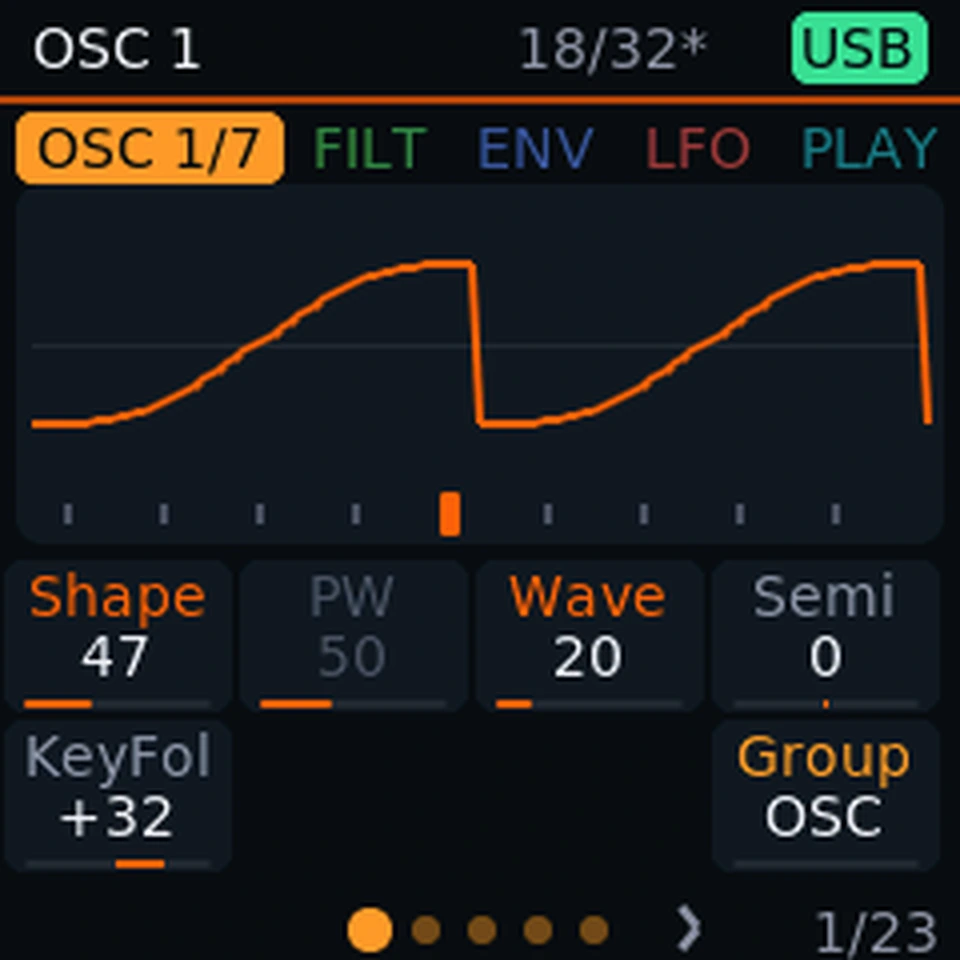
Inside the voice

The rack

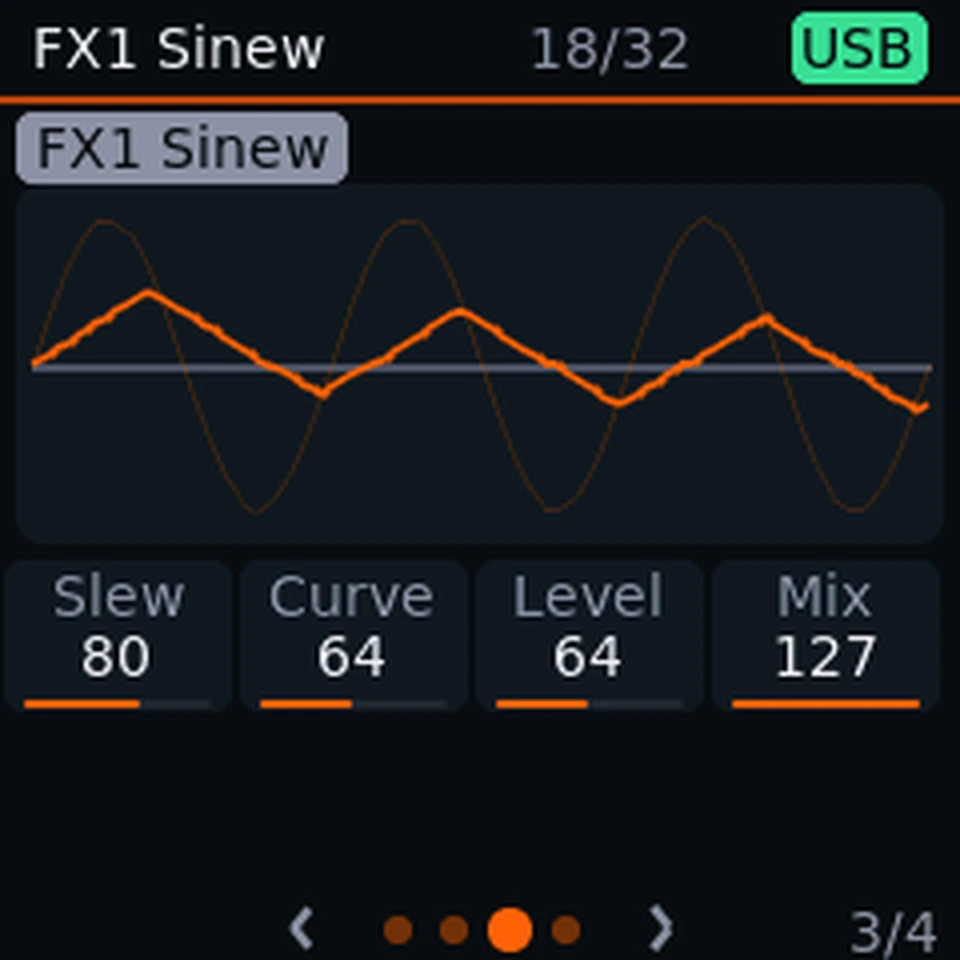
Twenty effects. Six slots. Your signal path.

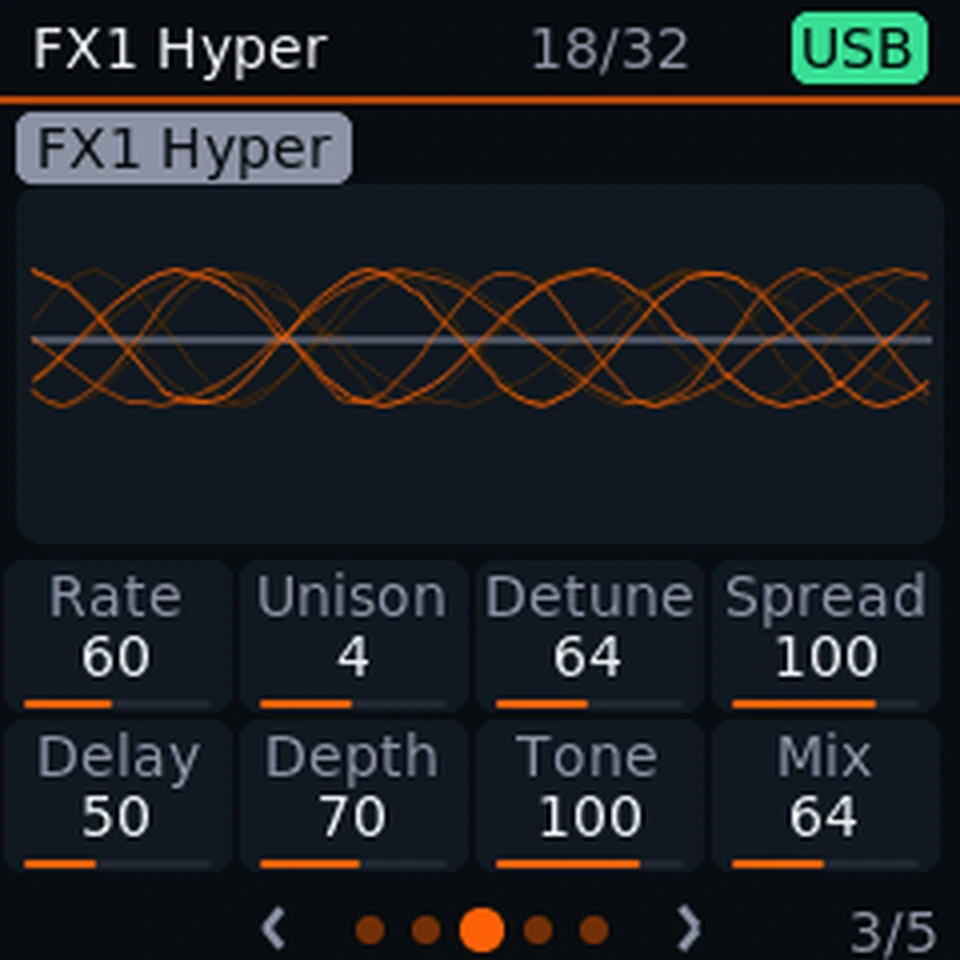
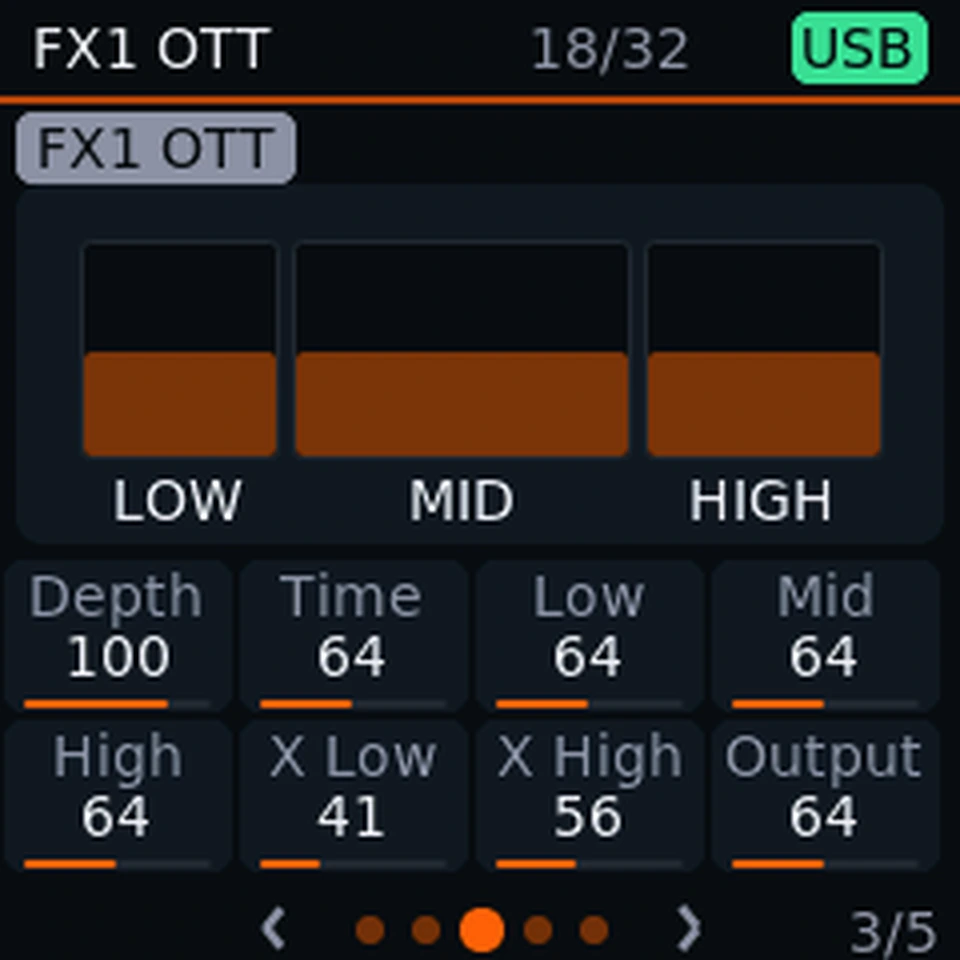
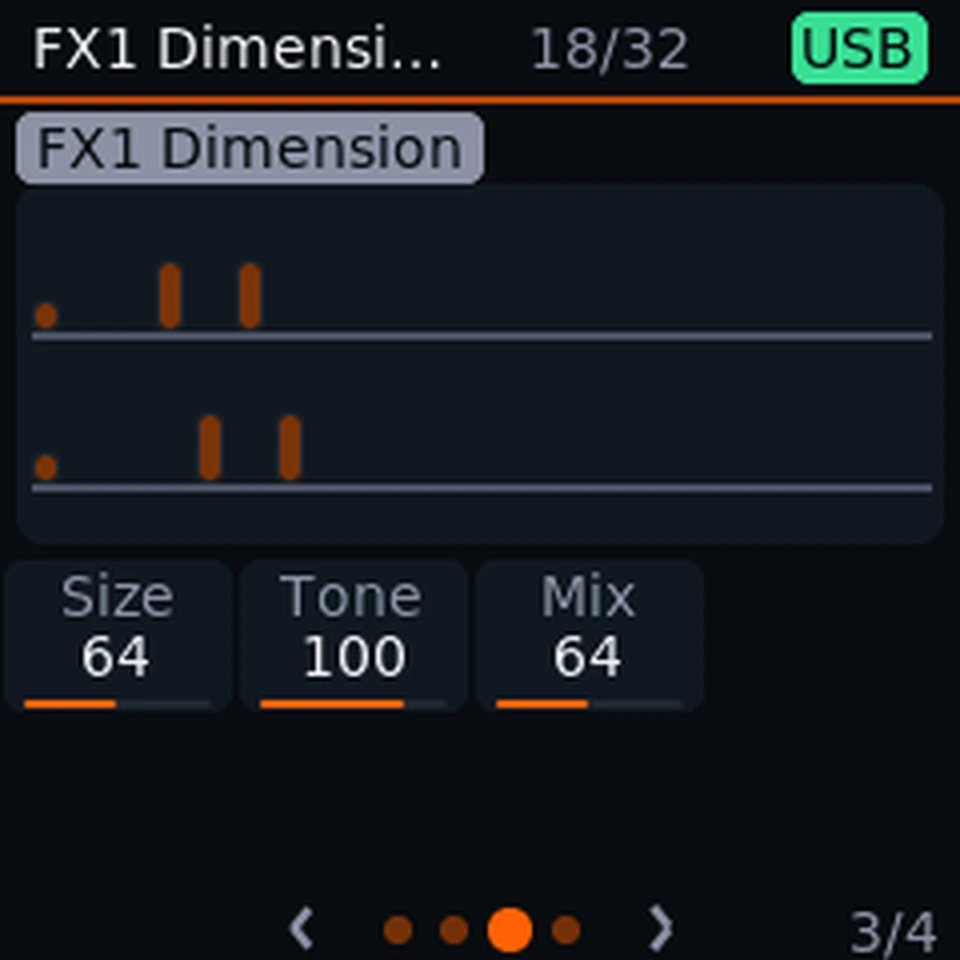
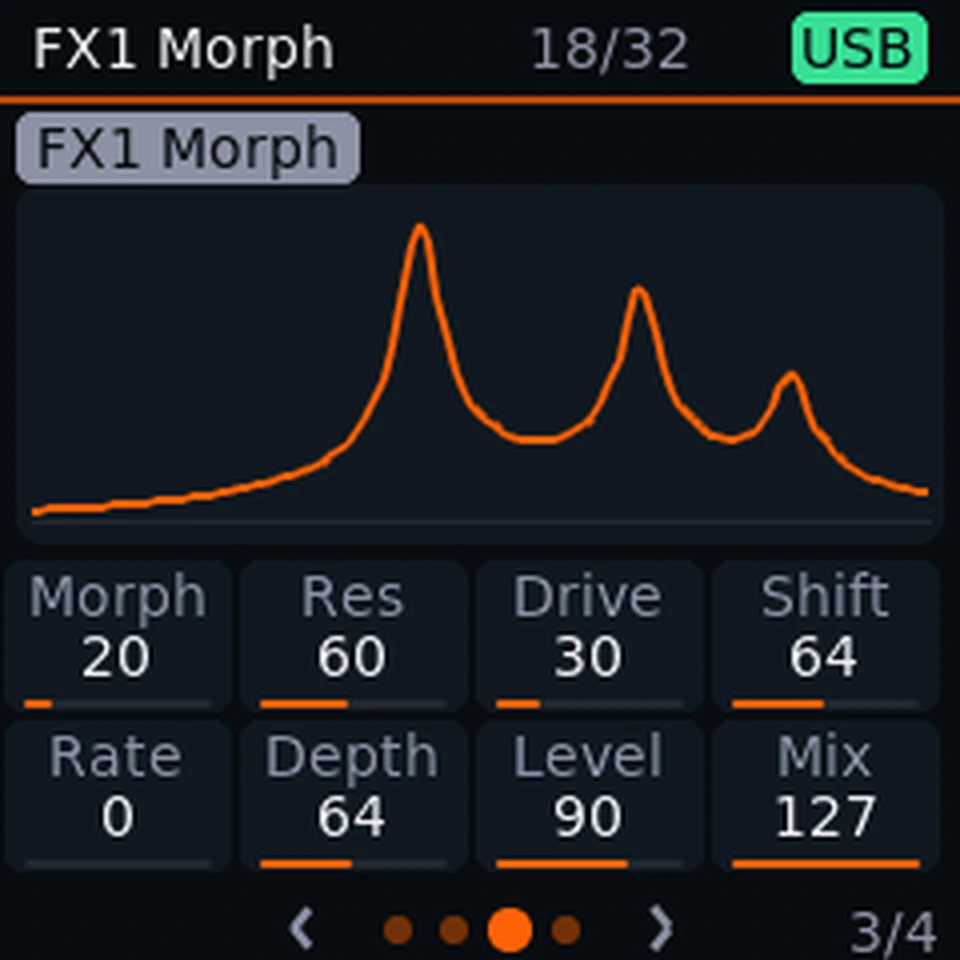
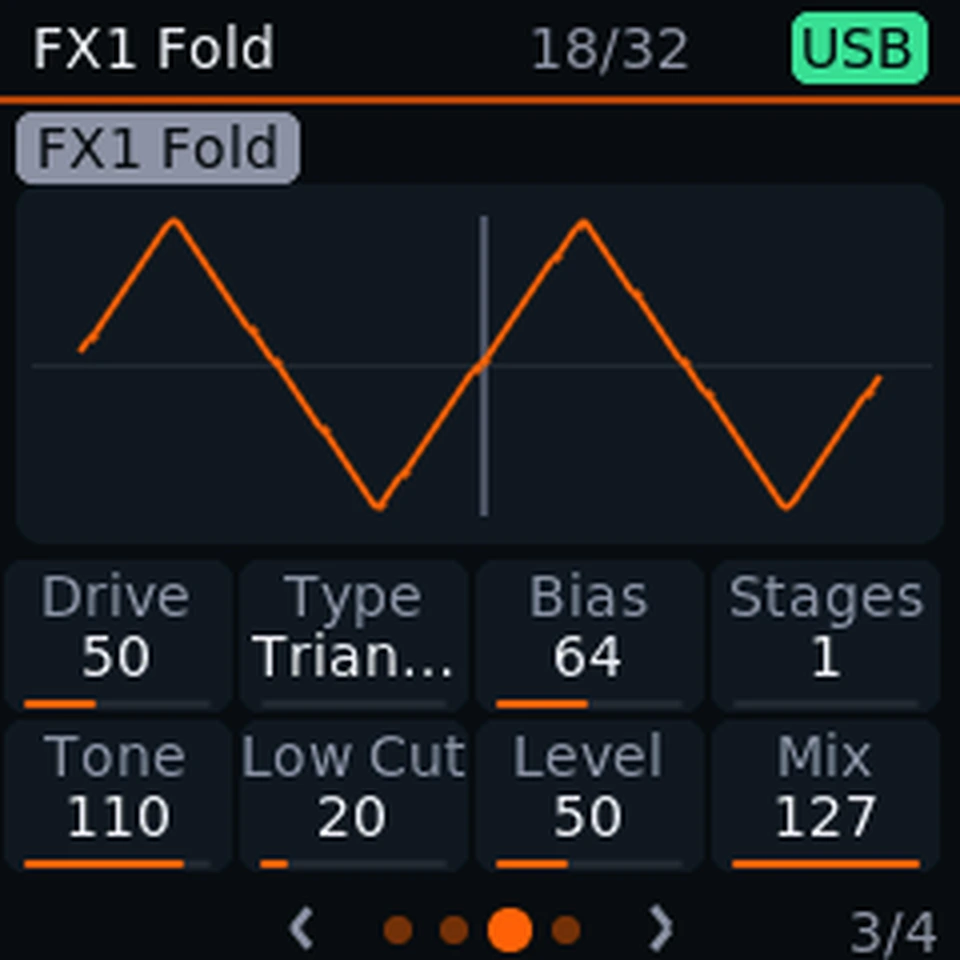
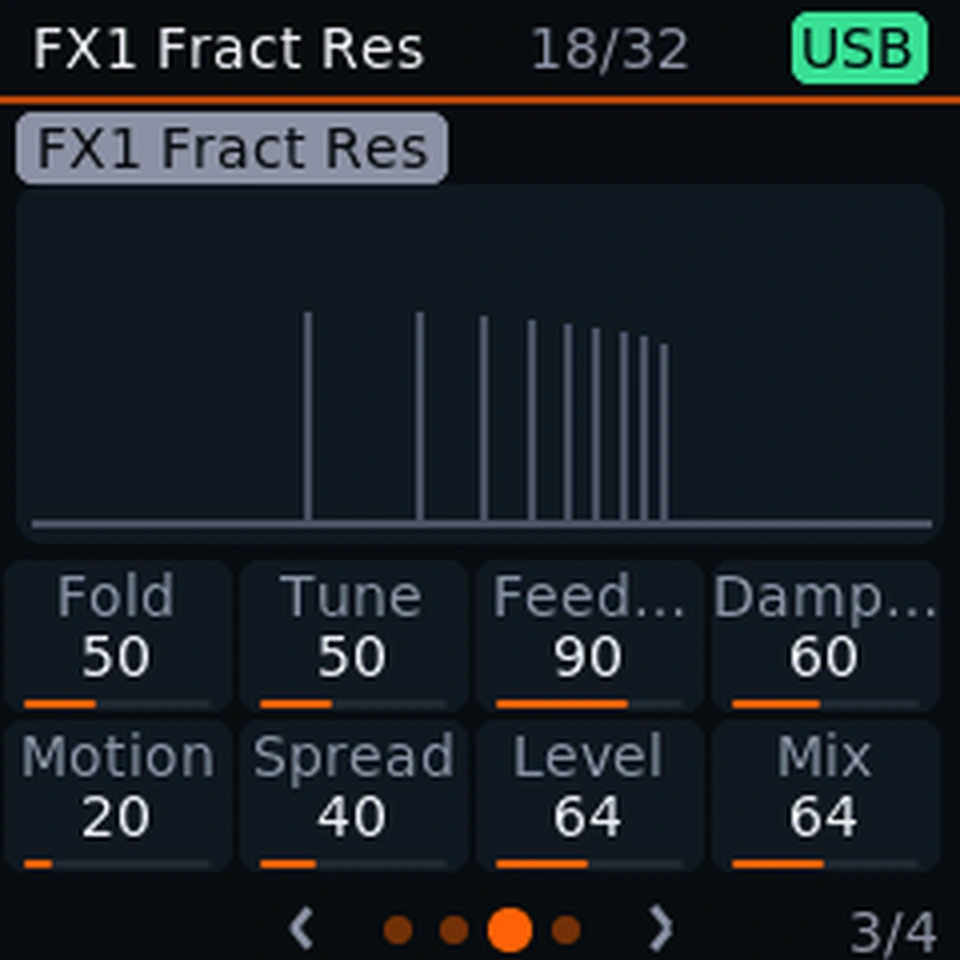
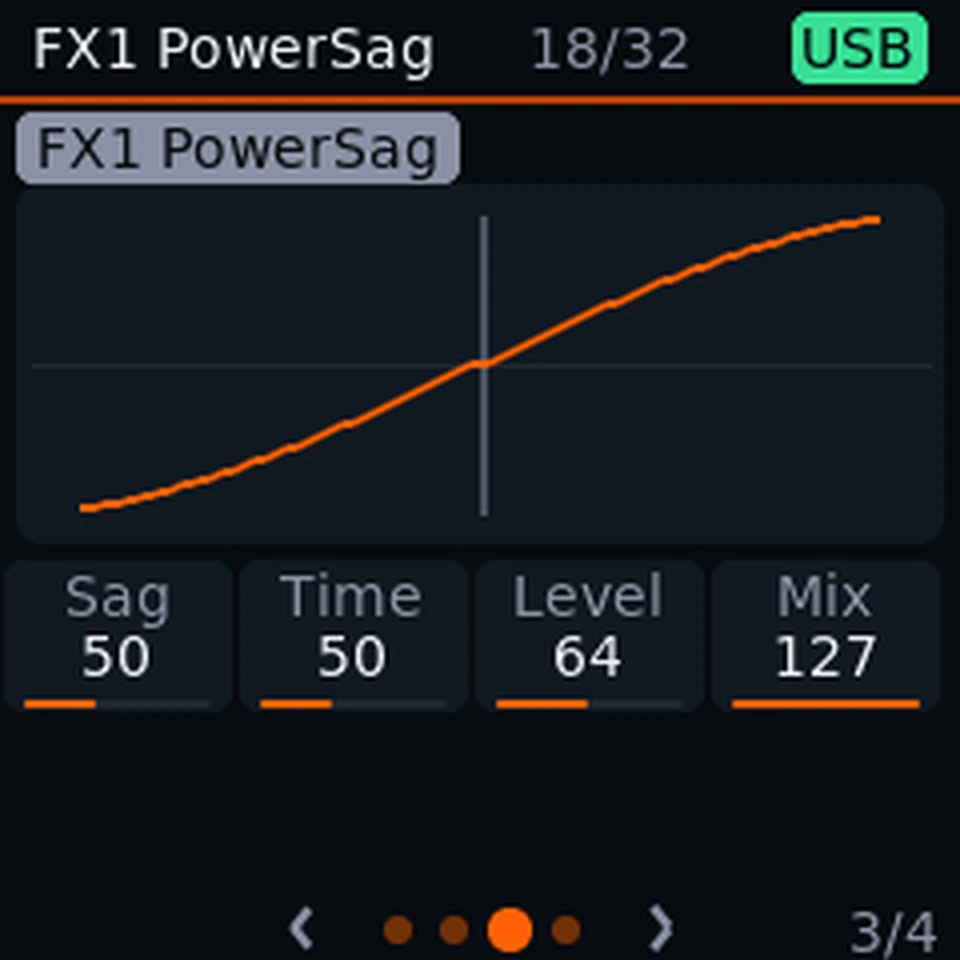
Twelve familiar studio effects and eight of our own. Delay and reverb play as the Virus patch stored them, and the EQ is the Virus's own three bands. Chain up to six, as sends or as inserts, and watch each new one draw what it does as you turn the knobs.

The familiar twelve: Delay, Chorus, Flanger, Phaser, Tremolo, Distortion, Wah, Filter, Compressor, Reverb, Bit-crush and EQ.

Every effect, every layout

Play

Play it. Shape it. Keep it moving.

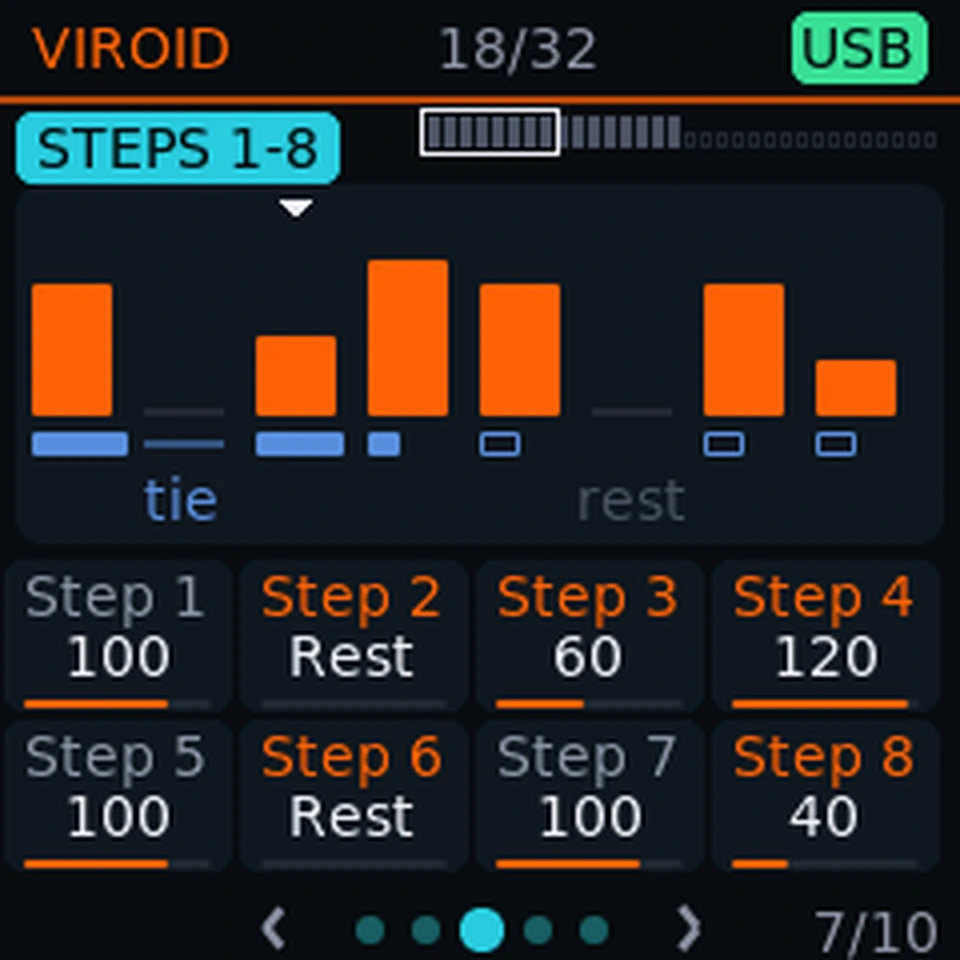
Arpeggiator steps: a level and a gate for every step.
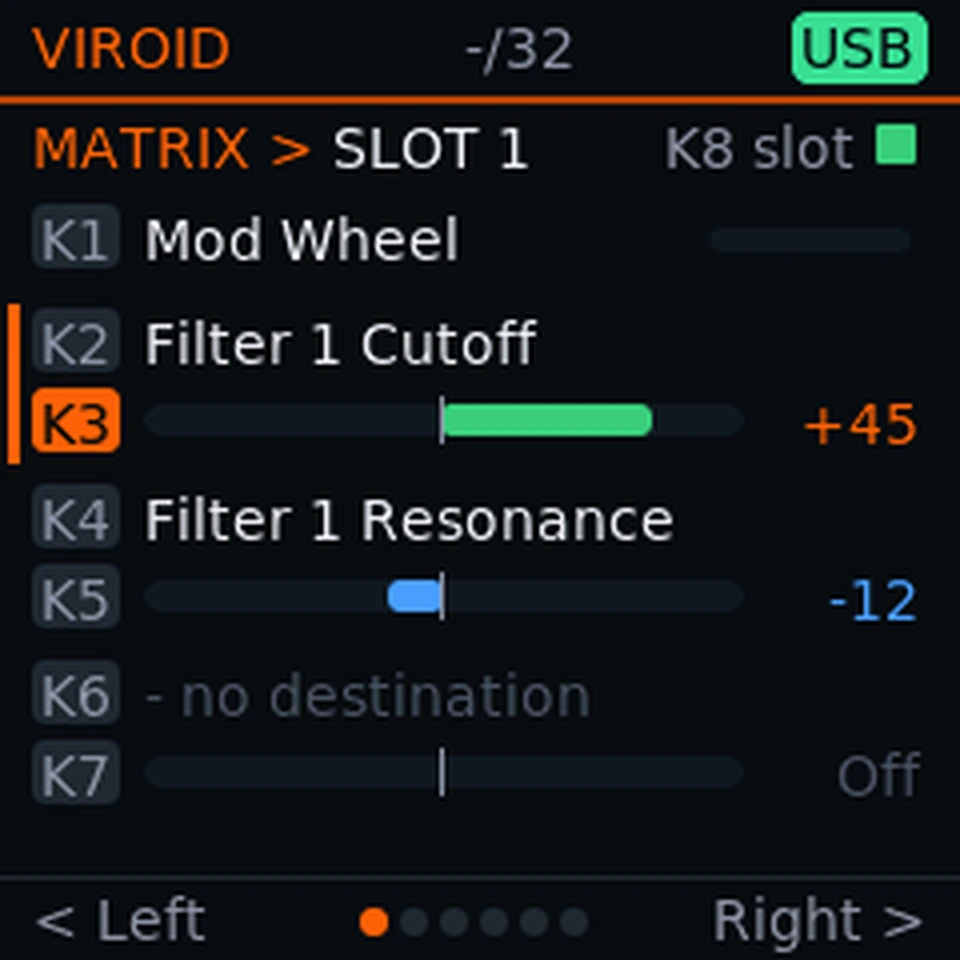
The matrix: pick a source, then up to three destinations.

An arpeggiator with a step layer

Up to 32 steps with a level for each, a gate per step in percent and ties between notes. Patches bring their own arpeggiator settings with them.

A modulation matrix you can hear

Six slots, forty sources and more than ninety destinations that already sound. Aim wheels, pressure, velocity, envelopes and LFOs at the filter, the oscillators or the mixer, and chain routes: one slot can modulate how much another one does.

Built around your hands

Eight knobs and four faders for the sound, two wheels for the feel. Hold mode keeps a chord sounding, so both hands are free for the knobs.

Arpeggiator, matrix and keys

Tune and connect

Make it fit your rig.

Most of what the keyboard does is a setting. Trade speed for sound, or sound for speed, and wire it into the rest of your studio.

A sound card over USB

Record the synth as a stereo 48 kHz input, or play your computer's audio through the keyboard's headphones. USB Out has its own mix, and by default only the synth is in it, so the computer's sound never loops back.

MIDI clock

Send clock, start, stop and continue to the rest of your gear. Following an incoming clock over USB is still in testing.

Scan speed

Choose how fast the keyboard reads its keys and pads: the quickest response, or fewer scans and more time for the synth. Key release and pad sensitivity are yours to set as well.

Overclock

Run the processor from the stock 360 MHz up to 420 MHz for more voices and effects. Heavy patches may need a step back, so it is a setting, not a gamble.

A voice governor, not a fixed number

How many notes sound at once depends on the patch, the effects, the modulation and the clock speed. Max Voices, Audio Block and the HyperSaw limit let you decide what gives way first.

DAW integration

The keyboard shows up as “SMK-37 Oscuro USB” with its own USB identity, so a DAW script that looks for M-Vave's device name may need a small edit. Scripts that speak Oscuro's own protocol also get track and clip colours on the pads, the track name on the display and knobs that report how fast they turn.

All the specs, in one place

Easy to try. Easy to undo.

Putting Oscuro on your keyboard changes one area of its memory, and every step can be reversed. Flashing still carries risk, so keep the keyboard plugged in until it restarts.

Only the app is written

The keyboard's boot code, your settings and its calibration stay exactly as they are.

Back to M-Vave in minutes

M-Vave's own firmware can be put back, from Oscuro or from any M-Vave version.

Your data is not touched

The installer never touches your data.

A safe start

Hold Globe while switching on to skip optional extras such as the faster clock.

Coming next · In development

Oscuro DAW.

The same keyboard as a controller with ideas: the pads suggest the next chords, name what you play, share tempo and scale with your session, and clock your other gear.

Give the keyboard you own a new voice.

Online or local, in a few minutes, and every step can be undone.

Install